Your Cart (0)


We've put together detailed installation videos to help with a successful, bubble-free screen protector or privacy filter installation along with troubleshooting bubbles and debris that may occur during installation.
Also, included are detailed monitor hood installation instructions for an easy set up!
Note: There are two different privacy installation methods that are based on which privacy material you choose. If blue adhesive strips were included in your order, please watch the adhesive strip-P2L privacy filter video.
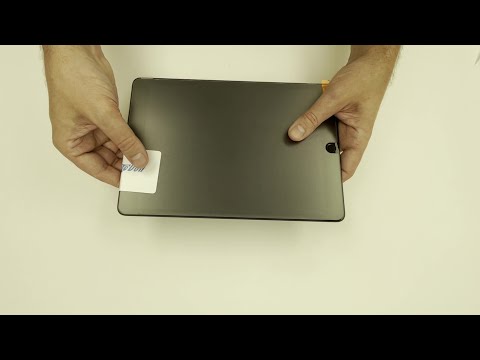
This video will show you how to install a screen protector or fully backed adhesive privacy filter on to a smaller device such as a tablet or phone.
Written installation instructions can be found here.
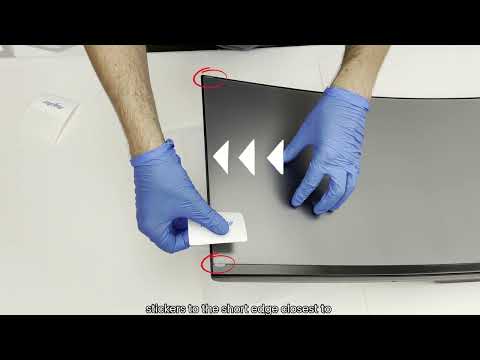
This video will show you how to install a screen protector for a 45" curved monitor.
Note: Fully backed adhesive privacy filters (P2S/P4S) use a similar method.
Written installation instructions can be found here.
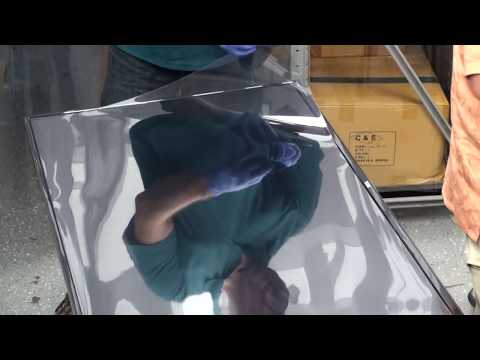
A large screen protector such as a 55" in this video can be challenging to handle and install. Watch this video so that you have additional knowledge on how to install a large protector with the best possible results.
Written installation instructions can be found here.
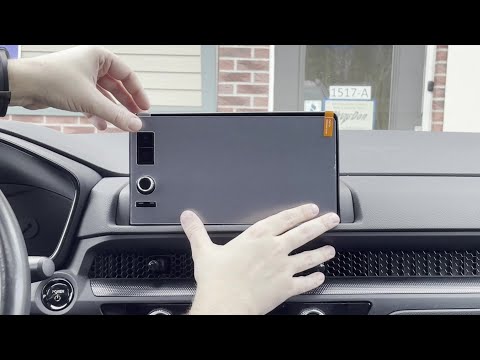
This video will show you how to install a screen protector with cut-outs for a vehicle. Installations should be done when temperatures are between 65-86° in the vehicle.
Written installation instructions can be found here.
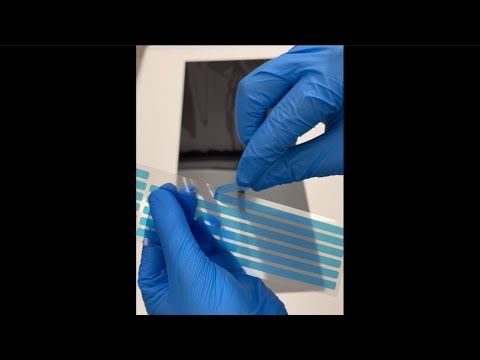
This video will show installing a two-way privacy filter which is attached with adhesive strips. If you don't have strips with your privacy filter, watch the P2S/P4S video.
Written installation instructions can be found here
This video will show you how to install a fully backed adhesive privacy filter (P2S/P4S). If you received blue adhesive strips, you need to watch the P2L video.
Written installation instructions can be found here.
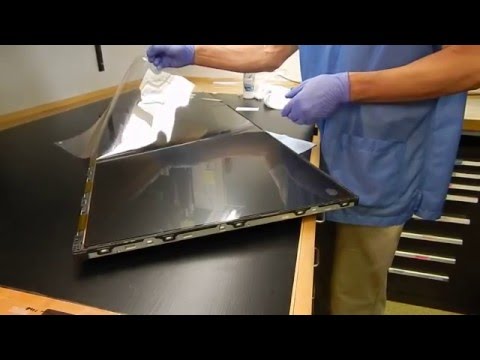
Most of our screen protectors and privacy filters come with a top liner, typically with a sticker attached. This video shows you how to carefully remove the top liner.
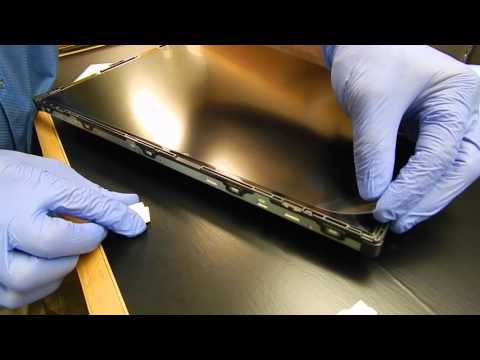
Dust particles can be tricky to remove from the area you are installing your protector in. If they attach to the screen protector once the bottom liner has been removed, it will create a dot on your screen. This video will show you how to successfully remove a dust particle, hair or any debris after installation.
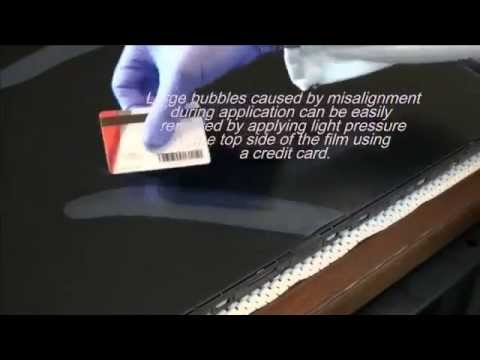
Learn how to remove large bubbles that occur during protector installation.
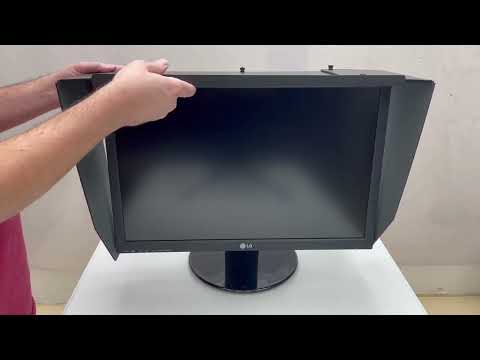
This video will demonstrate how simple it is to adjust and install our adjustable office monitor hoods. They are easy to install and remove many times. You'll be ready to enjoy a shaded environment in no time! You can follow our written instructions as well if you prefer. Read Here
If you're not seeing a video you'd like to see, check out all of our videos. Our all-videos page has customer demonstrations, reviews of our products, etching on a screen protector, our additional microfiber cloth services and more!