Your Cart (0)

The Photodon team has put together videos to demonstrate our products, show how to install a screen protector, privacy filter, and monitor hood, how to accurately measure your device, and more! If you just want to watch our installation videos, click the link below.
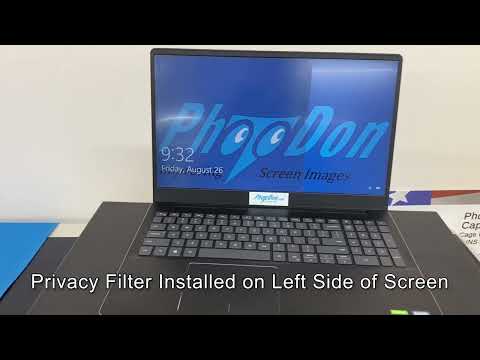
See how our two-way privacy filters work. They block side viewing starting at 30° and turn the screen nearly black at 45°. The user directly in front of the screen can see clearly.
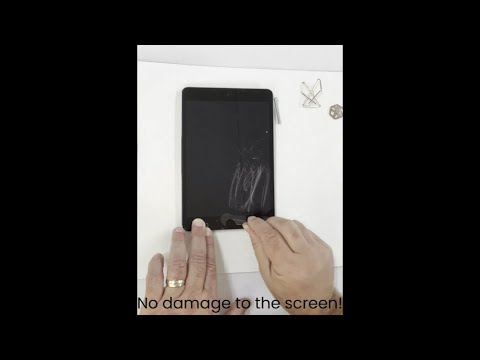
See our screen protectors in action. In this video you'll see how well our protectors hold up with normal wear and tear and excessive wear and tear.
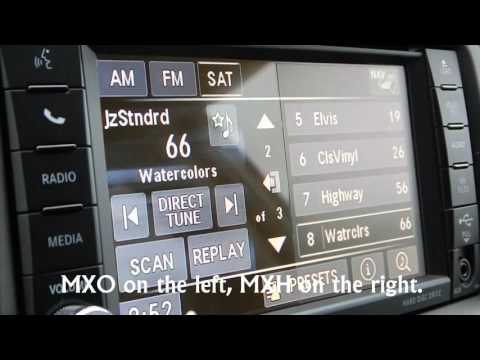
See the difference between our clear (MXO) privacy filter material and our light matte anti-glare protector that has 25% glare reduction (MXH).
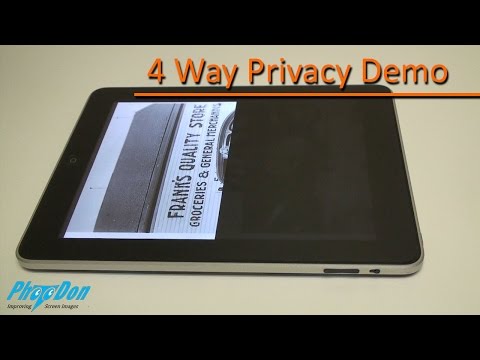
Our four-way privacy filters provide privacy for the top, bottom, right, and left sides of your device. These are ideal for kiosks, and tablets or phones where they may be flipped.
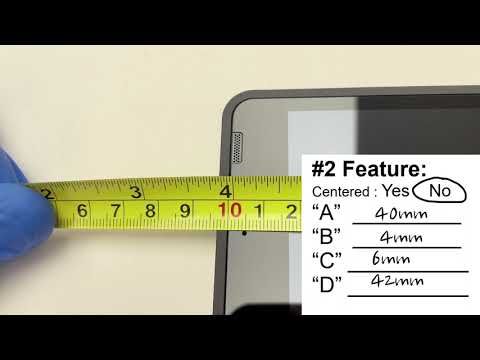
This video will show you how to measure your screen and how to indicate features and feature locations so that our team can create a custom protector for you.
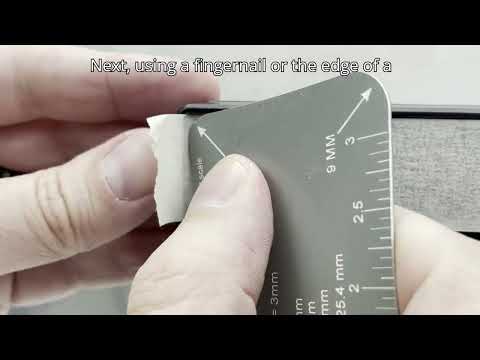
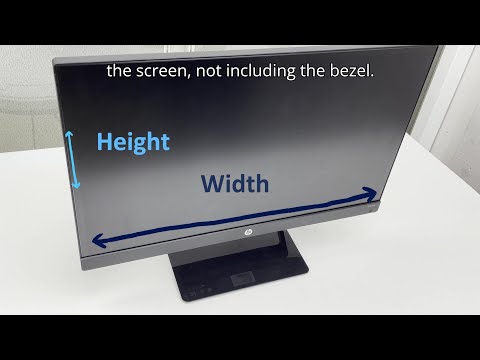
Curved monitors add a bit of a "curve" ball when it comes to measuring. Let our team show you how to accurately measure your device so we can provide a custom screen protector for you.
See the difference between our clear (MXO) privacy filter material and our light matte anti-glare protector that has 25% glare reduction (MXH).
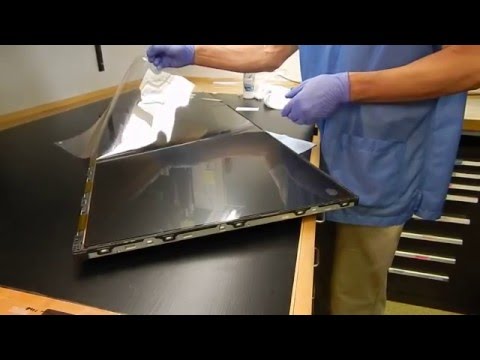
Most of our screen protectors and privacy filters come with a top liner, typically with a sticker attached. This video shows you how to carefully remove the top liner.
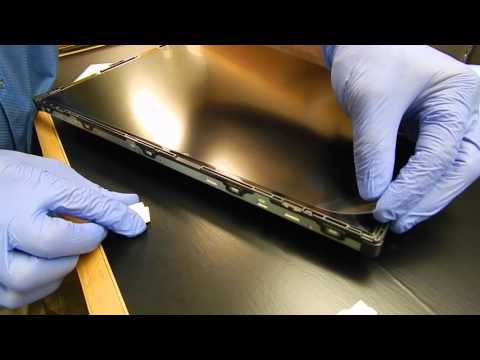
Dust particles can be tricky to remove from the area you are installing your protector in. If they attach to the screen protector once the bottom liner has been removed, it will create a dot on your screen. This video will show you how to successfully remove a dust particle, hair or any debris after installation.
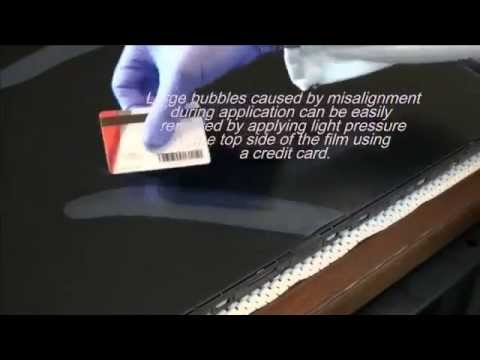
Learn how to remove large bubbles that occur during protector installation.
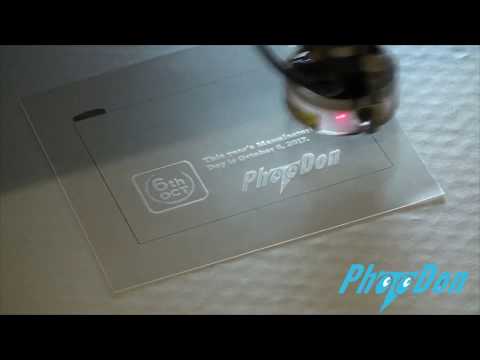
With our high-tech lasers, Photodon can etch right on to your protector. Whether you need to add a part number, company logo, or name to the protector, we've got you covered!
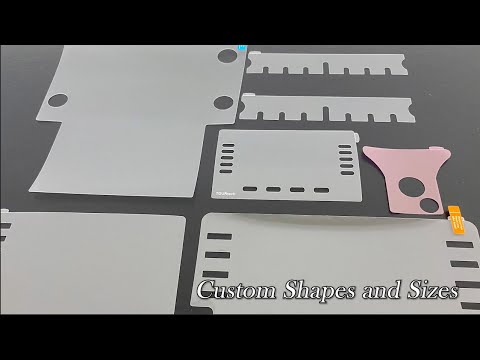
This video shows our shop, some of our processes and things we can do for you.
Not only can our lasers cut screen protectors and privacy filters, it also can etch information on our microfiber cloths. Personalize a cloth with your company logo to keep your business in the hands of your customers!
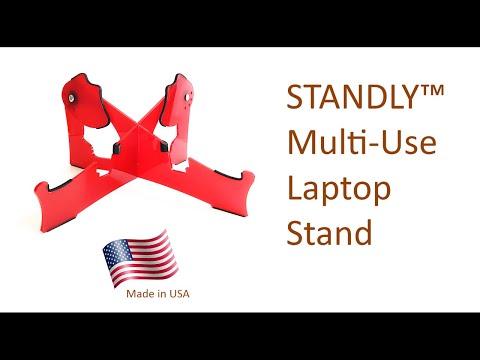
Our laptop stand elevates your laptop and allows for you to put the camera at different angles to help keep you looking your best in virtual meetings.
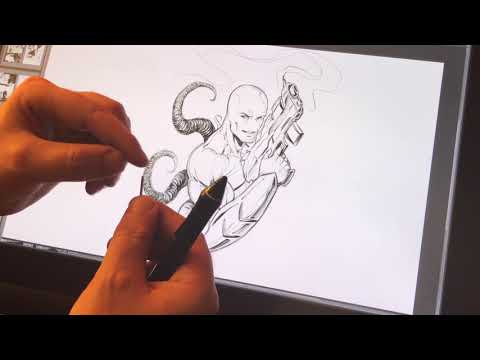
This video will explain how our screen protectors feel using a nib/pen on our protectors on his Wacom 22" drawing tablet.
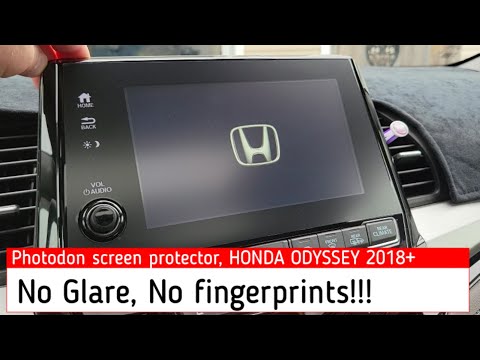
This video shows the effect of our anti-glare screen protector on an in-dash and also shows how simple it is to install.
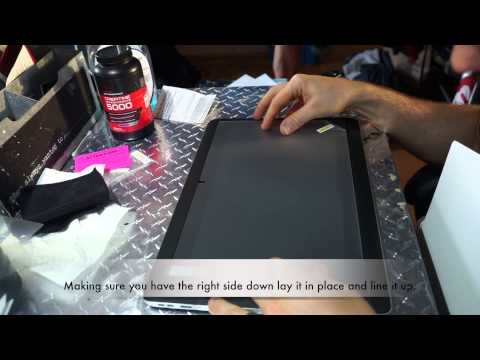
In this video we will show a customer install our screen protector on his Wacom drawing tablet.
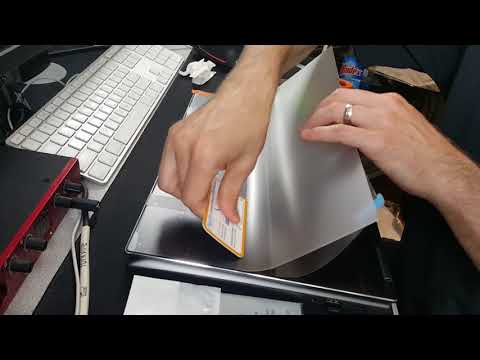
This video shows the installation of our MXH 25% anti-glare screen protector on his Lenovo laptop.
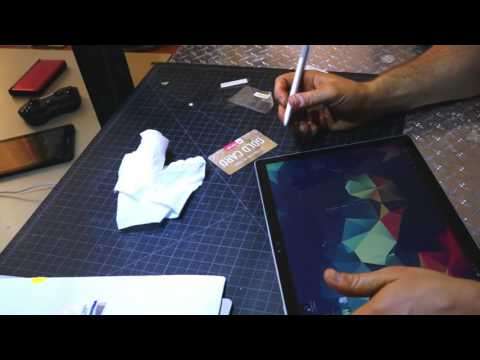
In this video this customer will review our screen protector on his Surface Book device.